 Justin van Oel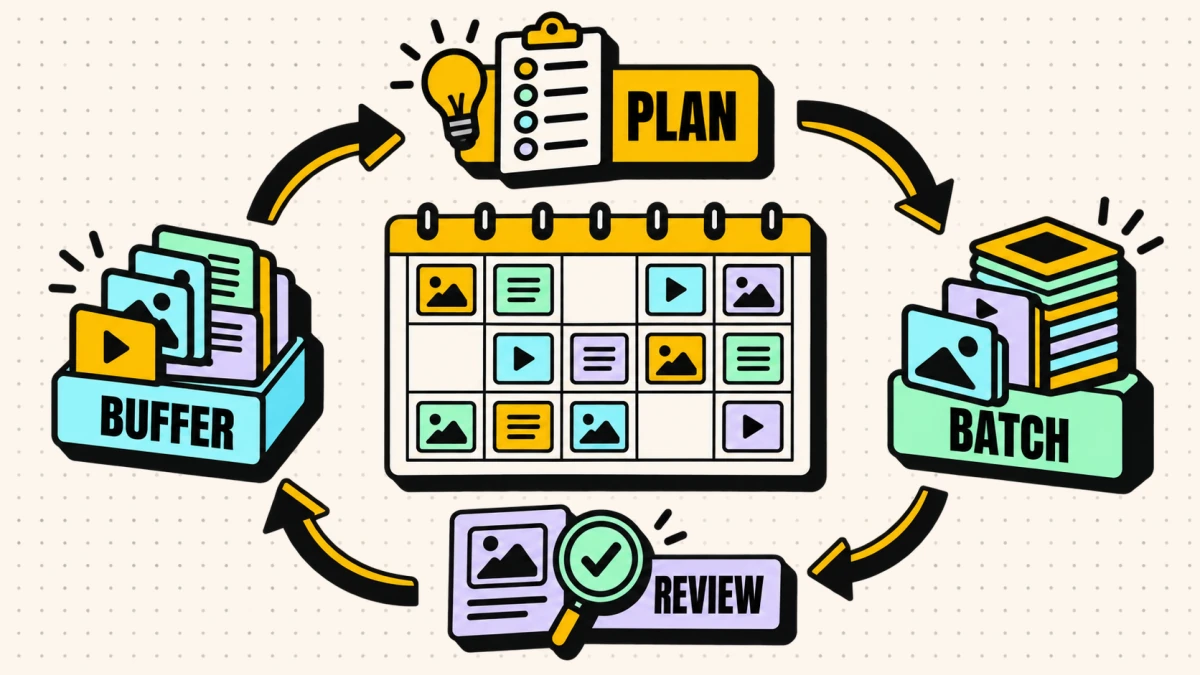
Calendars are more resilient when they use a repeatable structure instead of depending on daily inspiration. The structure turns “What do we post today?” into “What fits this slot?”
A social media content calendar is a repeatable schedule that maps what you publish, when, and on which destination, organized around a few fixed content themes rather than daily inspiration. In CMI’s 2026 survey of 1,015 B2B marketers, 97 percent reported having a content strategy; among respondents who said effectiveness improved, 74 percent cited strategy refinement as a contributing factor. That is self-reported association, not proof that a calendar caused results.
Here is how to build one that keeps running even in your busiest weeks. A calendar like this is also what makes publishing across every platform sustainable instead of frantic.
Start with content pillars, not posts
Pillars are the three to five themes you always have something to say about. They make planning a sorting task instead of a blank page.
- Educational: how things work, mistakes to avoid, frameworks.
- Proof: results, process, the work behind the scenes.
- Point of view: where you stand on something that matters to your audience.
- Culture: the people and values behind the brand.
Every post slots into a pillar. If an idea does not fit one, that is a useful signal to skip it. A rough target mix keeps any single pillar from taking over the feed:

Turn your brand context into social drafts
Turn your brand context into platform-aware social drafts for your connected channels. Start free, no credit card.
| Pillar | Suggested share | Example post |
|---|---|---|
| Educational | illustrative 40 percent | "Three ways teams measure the wrong social metric" |
| Point of view | illustrative 25 percent | "Most B2B social advice is written for B2C" |
| Proof | illustrative 20 percent | A short breakdown of how a campaign came together |
| Culture | illustrative 15 percent | The person behind a project, in their own words |
The percentages are a starting point, not a rule. Adjust them toward whatever actually earns attention from your audience.
The fixed-slot calendar template
The heart of a low-friction calendar is a fixed weekly template: a set of slots that stay the same every week, so the only decision left is which specific idea fills each one. Copy this structure and adapt the pillars and channels to yours:
| Day | Slot / pillar | Channel | Format | Owner | Status |
|---|---|---|---|---|---|
| Monday | Educational | Text + image | Owner A | Drafted | |
| Tuesday | Reserve / reactive | X | Short post | Owner B | Open |
| Wednesday | Point of view | LinkedIn, X | Text | Owner A | Scheduled |
| Thursday | Proof | Carousel | Owner B | Drafted | |
| Friday | Culture | Instagram, X | Photo + caption | Owner B | Idea |
The columns matter as much as the rows. An owner per slot means nothing falls through the gap between people, and a status column turns the whole calendar into a single glance that tells you what is ready and what is at risk.
A month at a glance
A weekly template can feel repetitive if every week looks identical. Rotating the angle within each pillar across the month keeps it fresh without adding decisions:
| Week | Educational angle | Point-of-view angle | Proof angle |
|---|---|---|---|
| 1 | A how-to | An industry take | A process breakdown |
| 2 | A mistake to avoid | A contrarian opinion | A result or milestone |
| 3 | A framework | A prediction | A behind-the-scenes |
| 4 | A myth-buster | A response to a trend | A customer story, when real |
The slots stay fixed. The angle rotates. That is the whole trick to a calendar that stays consistent without going stale.
Turn one good idea into a week of posts
The fastest way to keep a calendar full is to stop treating every slot as a brand-new idea. One strong educational point can become a week of posts, each shaped for its channel:
- LinkedIn (Educational): the full argument, with the reasoning and an example. This is the anchor piece.
- X (Point of view): the single sharpest sentence from it, stated as a take.
- Instagram (Proof): the same idea as a carousel, one point per slide, with a visual.
- Newsletter (monthly): the idea expanded with the context and nuance that long-form allows.
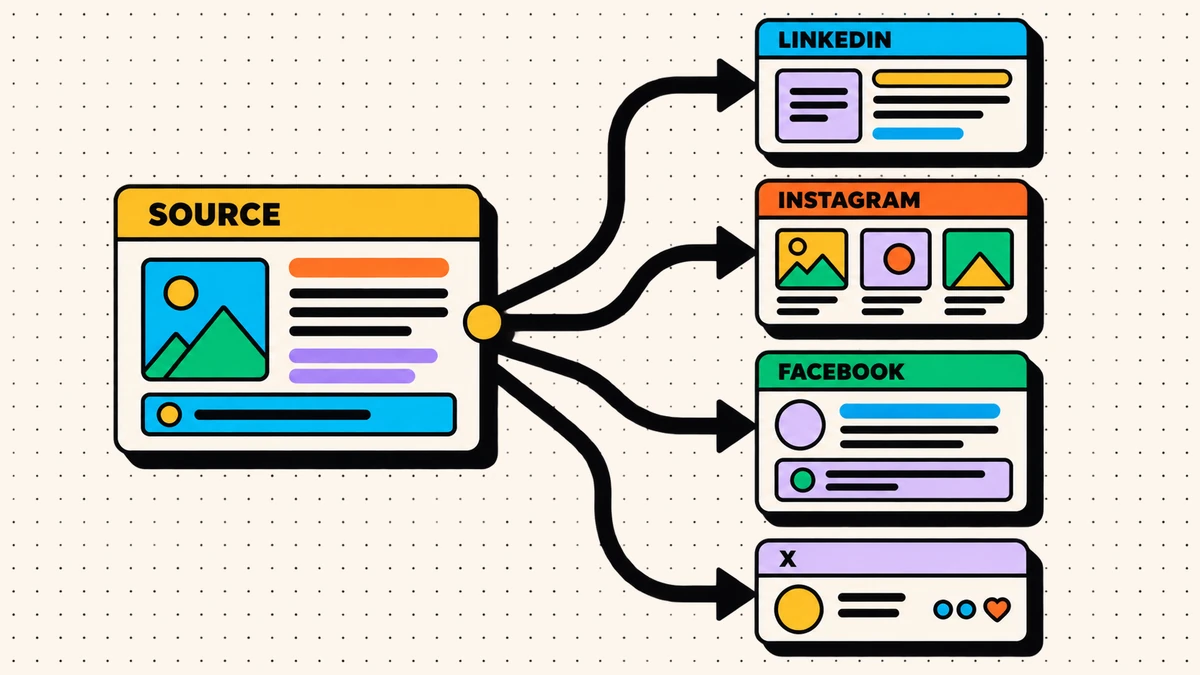
This is not repetition. Each version is shaped for how people actually read on that channel, which is the same discipline behind publishing one message across many platforms. One idea, developed properly, can carry a week without the calendar ever feeling thin.
Set a cadence you can actually keep
A calendar you hit beats an ambitious one you abandon. Pick a weekly rhythm and repeat it:
| Day | Pillar | Channel focus |
|---|---|---|
| Monday | Educational | |
| Wednesday | Point of view | LinkedIn, X |
| Thursday | Proof | |
| Friday | Culture | Instagram, X |
| Anytime | Reactive / industry news | Wherever it fits |
| Monthly | Long-form / newsletter | Owned audience |
The fixed slots stay fixed. Only the specific idea changes, which is a much smaller weekly decision.
A calendar is a promise to your future self. Make it a promise you can keep on your worst week, not your best one.
Batch creation, schedule once
Daily drafting creates repeated context switching. Batching related work into a defined session can reduce those interruptions.
- Pick one block a week to fill the next week of slots.
- Draft against the pillars, not against your mood.
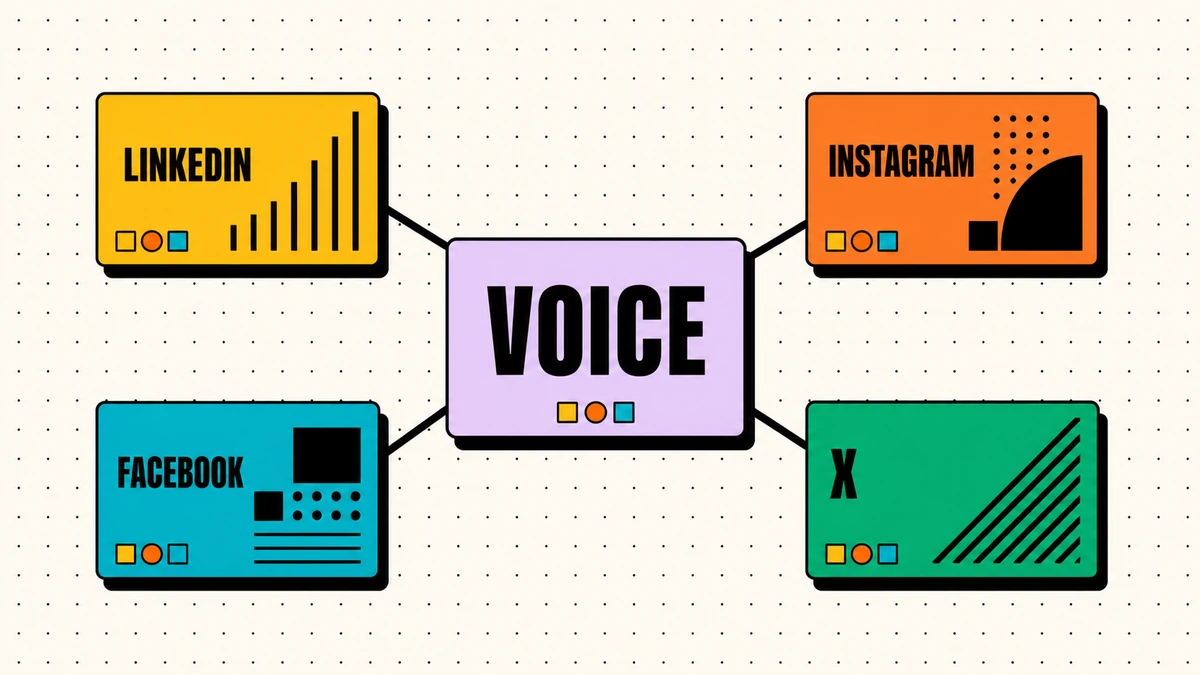
- Adapt each idea per channel so it reads natively (see keeping one brand voice across channels).
- Schedule everything at once, then let it run.
Here is an illustrative 90-minute batching session; adjust it to the number of slots and review burden:
- 0 to 15 minutes: review last week's numbers and pull forward anything worth repeating.
- 15 to 60 minutes: draft the core posts against the fixed slots.
- 60 to 80 minutes: adapt each into its per-channel variants.
- 80 to 90 minutes: schedule everything and update the calendar status.
The point is to make publishing a scheduled task you do once, not a daily interruption you do forever.
Build a buffer so a busy week never breaks the calendar
A reserve makes the calendar more resilient. Keep a small backlog of evergreen posts that are not tied to a date and can fill an appropriate open slot. Choose the buffer size based on cadence and disruption risk, then adjust it using missed-slot and expiry data. The buffer is what makes the operating rhythm more resilient when a week changes unexpectedly.
Starting from scratch: your first two weeks
If you do not have a calendar yet, you do not need to design the perfect one. You need to start a repeatable one:
- Day one: pick three content pillars from the themes you already talk about. Do not overthink it; you can adjust later.
- Day two: choose three or four fixed weekly slots and assign each a pillar and a channel. This is your template.
- Day three: run one time-boxed batching session and fill next week.
- Week two: publish on schedule, and note which slots were easy to fill and which fought you.
- End of week two: adjust the pillars or slots that did not work.
Expect to revise the first version after observing real use. The goal of the first two weeks is not a perfect system; it is evidence about which slots, owners, and pillars are workable.
Plan the quarter, fill the week
A calendar works on two horizons at once, and confusing them is what makes planning feel heavy. Plan the structure, the pillars, the slots, and any known campaigns, a quarter ahead. Fill the specific posts only one or two weeks out. Planning structure far ahead keeps the calendar stable; filling posts close in keeps it relevant to what is actually happening now. Teams that try to plan exact posts months ahead end up with a brittle calendar they abandon the first time the news changes.
Keep a light review loop
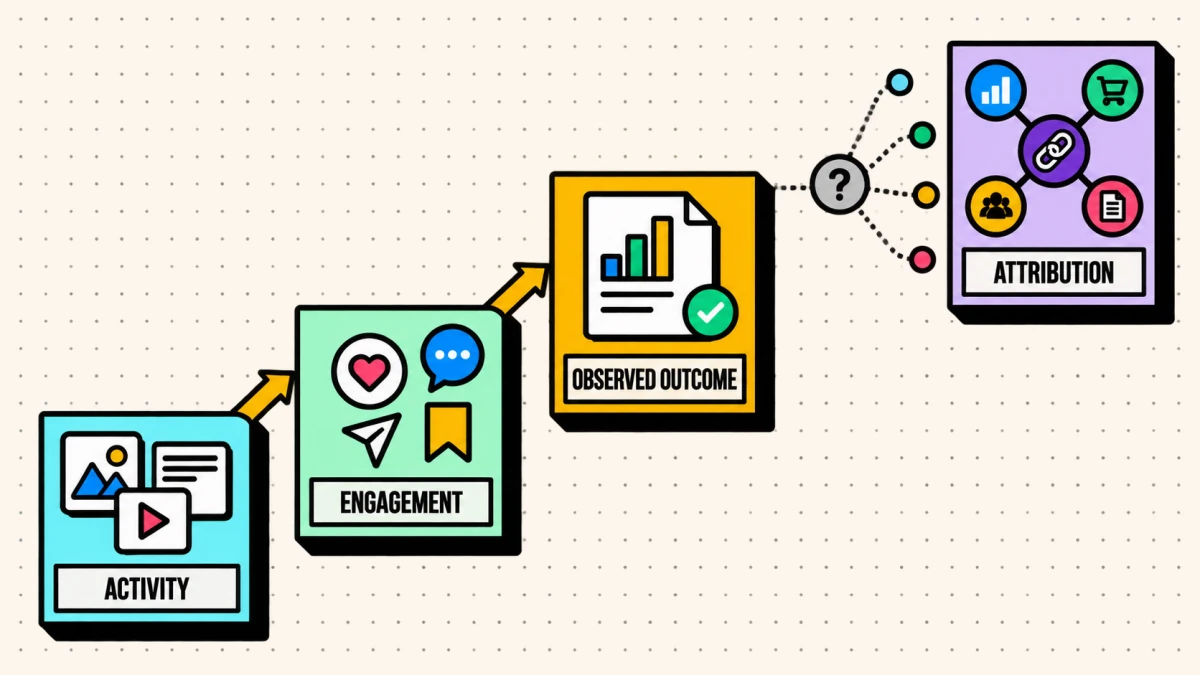
Use a short weekly review to ask what produced a useful signal, which slot keeps going empty, and what should change in the next plan. The calendar does not improve itself; the team improves it through explicit decisions.
Pair the cadence with a clear measurement habit and you will know which pillars to lean into rather than guessing.
Content calendar mistakes that quietly kill cadence
Common ways a calendar becomes unreliable include:
- An over-ambitious cadence. Planning ten posts a week you cannot sustain, then quietly dropping to zero. A cadence you hit beats one you admire.
- No owner per slot. When everyone owns the calendar, no one does, and slots go empty.
- No buffer. One busy week with no reserve and the feed goes dark, which is the hardest state to recover from.
- Planning posts instead of pillars. Filling specific posts months ahead makes the calendar brittle. Planning pillars and slots keeps it flexible.
A durable calendar is not the one with the most detail. It is the one that makes recurring decisions explicit and leaves room for timely judgment.
Sources
- Content Marketing Institute, B2B Content and Marketing Trends: Insights for 2026: survey methodology and self-reported findings on strategy adoption and refinement.